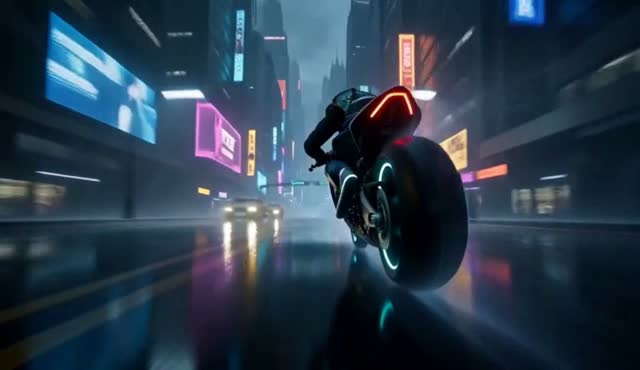
Start with one shot
A useful text-to-video brief explains who or what is present, what changes over time, where the scene takes place and how the viewer sees it. Five seconds is enough for one clear action, but rarely enough for several locations or a complex narrative.
Use one primary camera direction—such as “low tracking camera” or “slow aerial descent”—and let subject motion provide the second layer of movement.
Choose duration, resolution and ratio
| Control | ZipReel options | Practical choice |
|---|---|---|
| Duration | 5, 10 or 15 seconds | Use 5 seconds for prompt testing; extend only when the action needs time. |
| Resolution | 480p or 768p | Use 480p for lower-credit tests and 768p for the final output. |
| Aspect ratio | 21:9, 16:9, 4:3, 1:1, 3:4, 9:16 | Match the distribution channel before generation to avoid destructive crops. |
A repeatable text-to-video workflow
- Write one sentence for subject, action and setting.
- Add one camera movement and a clear lighting condition.
- Specify sound sources or dialogue in the same prompt.
- Generate a five-second test and inspect identity, motion and composition separately.
- Revise only the weakest instruction, then compare the next output.