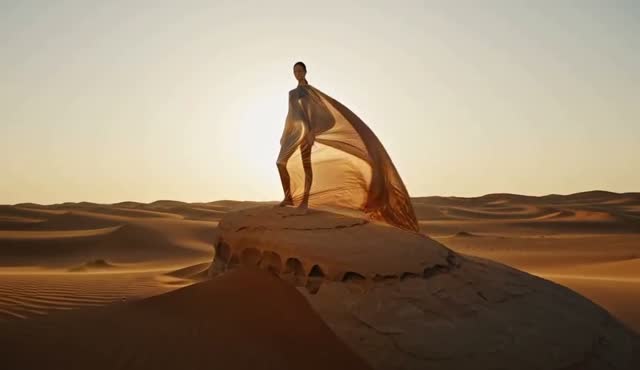
What the first frame controls
The uploaded image anchors identity, framing, palette and opening composition. ZipReel accepts JPG, PNG or WebP files up to 10 MB. The output follows the source image's aspect ratio, so crop the input to the intended landscape, square or vertical format before generation.
The first frame is a starting state, not a complete motion brief. The prompt still needs to specify the primary movement and camera behavior.
Write motion, not a second still image
Describe change with verbs: fabric lifts, a person turns, fog clears, the camera pushes forward. Preserve the important elements by naming what must remain consistent. If you need a stable face or product shape, avoid asking for extreme camera changes at the same time.
- Prepare a clean image with one readable focal subject.
- State the subject's motion and the environmental motion separately.
- Choose one camera instruction such as a slow push, track or orbit.
- Add dialogue, ambience or effects only when they support the action.
- Generate a short test before increasing duration.
Common image-to-video problems
- Composition drifts
- Reduce camera complexity and describe which subject remains centered or fixed.
- Background warps
- Use a cleaner first frame and avoid requesting large parallax from a flat or ambiguous scene.
- Portrait changes
- Keep motion modest, repeat the defining visual traits and remove competing subjects.
- Wrong ratio
- Crop the uploaded source to the final aspect ratio before sending it.